Document Service
Enterprise document processing for AI agents. Extract text from PDFs, images, and Office documents. Advanced OCR and layout analysis with cloud-agnostic provider support. Generate, merge, split, and compress PDFs.
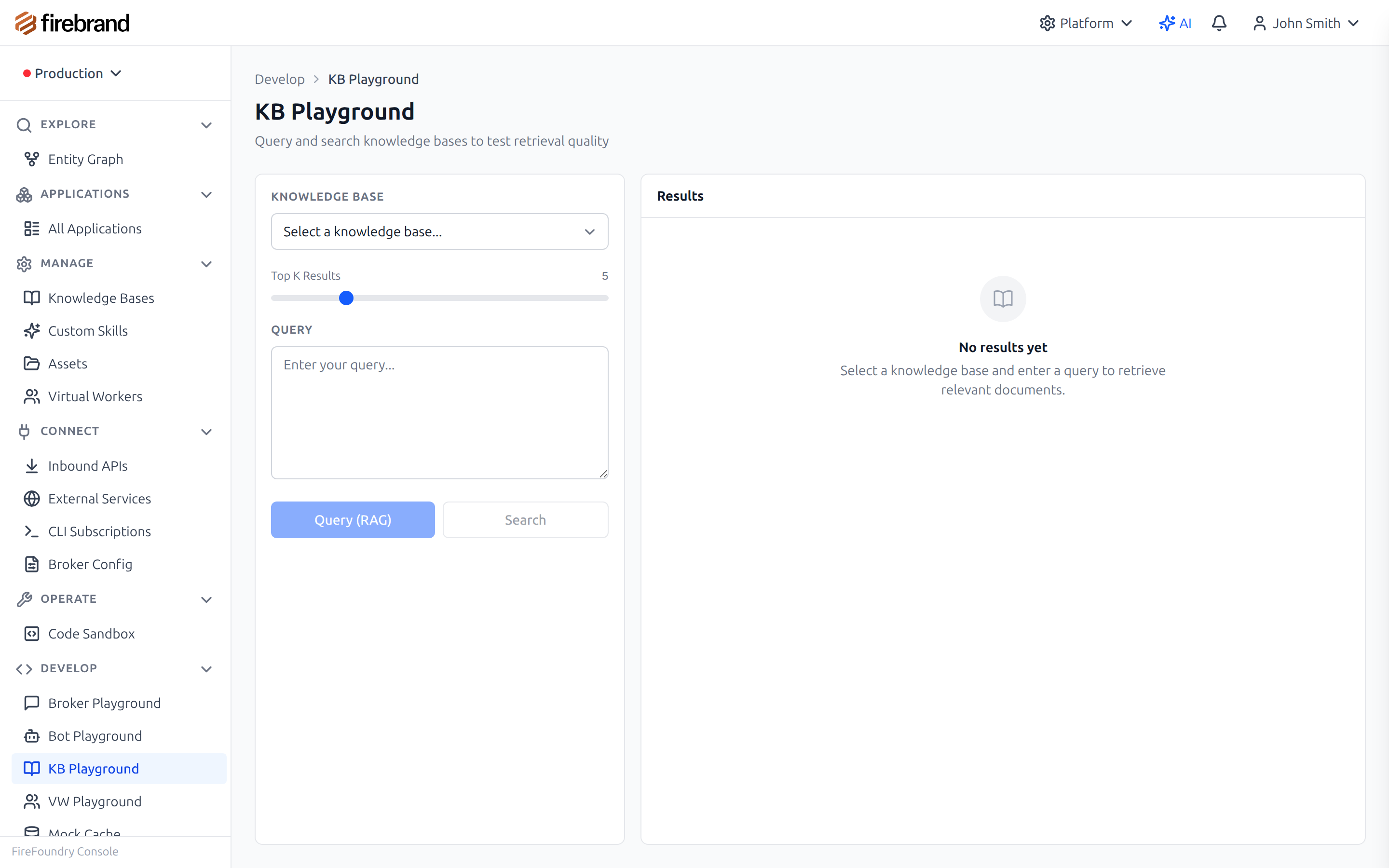
Test retrieval quality in the knowledge base playground
Why It Matters
AI agents work with documents. Contracts, reports, invoices, policies, spreadsheets. Getting clean text out of a PDF is surprisingly hard. Tables are worse. Scanned documents need OCR. And once you have the text, you often need to generate new documents, merge reports, or compress files for delivery.
The Document Service handles all of this with intelligent format detection and automatic fallback. Upload a PDF and the service determines whether it contains selectable text or is a scanned image. If text extraction yields poor quality — low character counts, bad alphanumeric ratios — it automatically falls back to OCR. Your agent gets clean text regardless of the document's origin.
The service follows a three-tier architecture: an orchestration layer that handles caching, logging, and storage routing; a processing layer with specialized providers for extraction, generation, and transformation; and a client layer with pluggable backends for each format. Content-based caching (SHA256 hashing) avoids re-processing identical documents, and all outputs can be stored in cloud blob storage for scalability.
Key Capabilities
- Multi-Format Extraction: PDF, Word (DOCX), Excel (XLSX), images, HTML — all through one API with intelligent format detection
- AI-Powered Layout Analysis: Advanced layout analysis, table extraction with cell structure, paragraph detection, and bounding boxes via cloud-agnostic AI document providers
- OCR: Extract text from scanned documents and images with high accuracy, including automatic fallback for PDFs with poor text quality
- Smart Detection: Automatically identifies scanned vs text PDFs using combined heuristics (chars/page, total chars, alphanumeric ratio) and triggers OCR when needed
- Table Extraction: Structured table data with cell coordinates, row/column spans, and confidence scores
- PDF Operations: Merge, split, extract pages, compress — full PDF manipulation toolkit
- HTML to PDF: Generate PDFs from HTML with configurable page format (A4, Letter, Legal), orientation, margins, and background printing
- Excel to CSV: Convert spreadsheets with sheet selection, custom separators, quote characters, and header options
- Content Caching: Content-based caching with TTL management — SHA256 hash of operation, content, and options avoids re-processing identical documents
- Blob Storage Integration: Input from and output to cloud storage (Azure Blob Storage, Google Cloud Storage) with working memory references
Processing Pipeline
How the Document Service processes every request
How it works: When a document arrives (via file upload or working memory
reference), the orchestration layer checks the cache first. On a miss, it detects the format and delegates
to the appropriate extraction, generation, or transformation handler. For the
extract-general endpoint, the service tries
basic extraction first and automatically falls back to OCR if quality heuristics indicate a scanned document.
Results are cached by content hash for future requests and logged for audit.
Extraction Capabilities
The Document Service provides multiple extraction endpoints, each optimized for different use cases.
All endpoints support direct file upload via multipart form data or working memory references.
Responses default to raw data (text or binary) but can return a full JSON envelope with metadata
by setting Accept: application/json
or ?format=json.
extract-text
Plain text extraction from PDF and DOCX. Returns clean text content with no structural metadata.
extract-structured
JSON output with page count, document info, page array, and full text. For when you need structure alongside content.
extract-metadata
Document properties: title, author, creation date, page count, PDF version. No content extraction.
extract-general
Best-effort extraction from any format with intelligent OCR fallback. Handles PDF, DOCX, XLSX, CSV, images, and plain text.
The extract-general endpoint is
the recommended starting point. It identifies the extraction method automatically
(pdf-basic,
pdf-ocr-fallback,
ocr,
docx,
excel,
csv,
plain-text)
and includes quality metrics in the metadata when JSON output is requested.
AI-Powered Document Analysis
For advanced document analysis, the service integrates with cloud AI document intelligence providers. This provides AI-powered layout analysis that goes far beyond basic text extraction — detecting paragraphs, tables with cell structure, content blocks with bounding boxes, and confidence scores for every detected element. The provider layer is cloud-agnostic, with support for Azure Document Intelligence today and Google Document AI and AWS Textract coming soon.
Three specialized endpoints expose these capabilities:
analyze-document
Full layout analysis with paragraphs, tables, and structure. Supports JSON and HTML output formats. Configurable models including prebuilt-layout and prebuilt-document.
extract-text-ocr
OCR-based text extraction from scanned PDFs and images (PNG, JPG, TIFF, BMP). Optional confidence scores per line for quality assessment.
extract-tables
Specialized table extraction returning structured data with cell text, row/column indices, spans, and confidence scores. Built for invoices, reports, and financial documents.
Extract and Analyze Documents
Use the SDK to extract structured content with intelligent format detection. The service identifies the document type, selects the appropriate extraction method, and returns structured data including tables with cell-level detail.
Metadata in the response includes the backend used, processing time, and whether the result was served from cache — useful for monitoring extraction performance across your document pipeline.
import { Bot, docs } from '@firefoundry/agent-sdk';

@Bot({ name: 'doc-analyst' })
class DocAnalyst {
  async processDocument(fileUrl: string) {
    // Extract structured content with intelligent format detection
    const result = await docs.extractStructured({
      source: fileUrl,
      options: { includeMetadata: true, includeTables: true }
    });

    // Get tables with cell structure
    for (const table of result.tables) {
      console.log(`Table: ${table.rows}x${table.columns}`);
      for (const cell of table.cells) {
        console.log(`  [${cell.row},${cell.col}]: ${cell.text}`);
      }
    }

    return result;
  }
}
OCR and PDF Operations
The Document Service combines OCR for scanned content with a full PDF manipulation toolkit. OCR a scanned invoice, merge quarterly reports into a single document, or generate PDFs from HTML templates — all through the same API.
PDF operations include page extraction (specific pages by number or range), splitting into chunks, merging multiple documents, and compression with object stream optimization. All operations accept working memory references for seamless integration with the Context Service.
// OCR a scanned document with AI-powered layout analysis
const ocrResult = await docs.ocr({
  source: 'working-memory://scanned-invoice.pdf',
  model: 'prebuilt-layout'
});

// Merge multiple PDFs into one
const merged = await docs.mergePDFs({
  sources: ['report-q1.pdf', 'report-q2.pdf', 'report-q3.pdf'],
  output: 'annual-report.pdf'
});

// Generate PDF from HTML
const pdf = await docs.htmlToPdf({
  html: '<h1>Monthly Report</h1><p>Generated by AI agent</p>',
  options: { format: 'A4', orientation: 'portrait' }
});
Supported Formats
The Document Service handles a wide range of input formats. Each format routes to the appropriate
processing method automatically. For the extract-general
endpoint, format detection is automatic based on MIME type and file extension.
| Format | Method | Operations |
|---|---|---|
| PDF (text) | Text extraction | Extract, structured, metadata, merge, split, compress, pages |
| PDF (scanned) | AI document analysis | OCR, analyze, tables, auto-fallback from extract-general |
| DOCX | Word processing | Extract text, structured, metadata |
| XLSX / XLS | Spreadsheet parsing | Sheet-to-CSV with selection, separators, headers |
| PNG / JPG / TIFF / BMP | AI document analysis | OCR, analyze-document, extract-tables |
| HTML | PDF rendering | HTML-to-PDF generation with page options |
| CSV / TXT / MD | Pass-through | Direct text extraction (no processing needed) |
MCP Tools
The Document Service is available as MCP tools through the MCP Gateway, enabling any MCP-compatible
client to process documents without the FireFoundry SDK. The
docproc adapter exposes five tools
covering extraction, OCR, format conversion, and PDF generation. Document content is passed as
base64-encoded strings with the original filename for format detection.
| Tool | Description |
|---|---|
| docproc_extract_text | Extract plain text from PDF, Word, Excel, images |
| docproc_extract_structured | Extract structured content (tables, headings) as JSON |
| docproc_ocr | Perform OCR on images and scanned documents |
| docproc_convert_format | Convert between document formats |
| docproc_html_to_pdf | Convert HTML content to PDF |
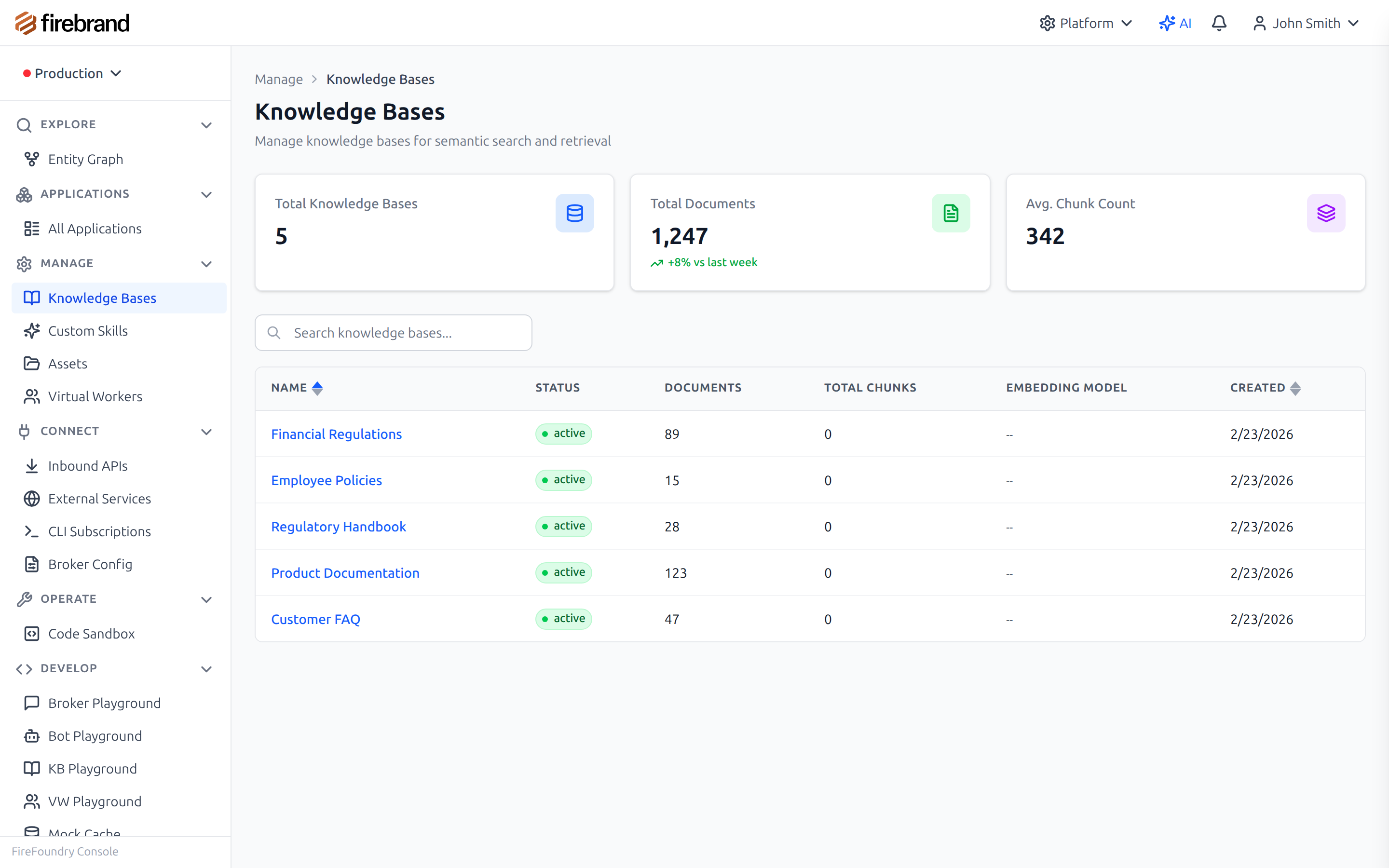
Manage multiple knowledge bases for different use cases
Use Cases
Contract Analysis
Extract clauses, tables, and metadata from legal documents with high-accuracy OCR. AI-powered layout analysis detects document structure including paragraphs, tables with cell boundaries, and confidence scores. Feed the structured output to an LLM for clause comparison, risk identification, and summary generation.
Invoice Processing
AI-powered structured extraction of line items, totals, vendor information, and payment terms. The table extraction endpoint returns cell-level data with row/column spans and confidence scores, making it reliable for automated processing pipelines where accuracy matters.
Report Generation
Generate PDFs from HTML templates with configurable formatting (A4, Letter, Legal; portrait or landscape; custom margins). Merge multiple generated sections into a single document. Compress the final output for email delivery. All operations chain together through the same API.
Knowledge Base Ingestion
Process documents at scale with content-based caching to avoid re-extraction. Upload hundreds of documents and the service deduplicates by content hash, processes new documents through the appropriate extraction method, and stores results in blob storage. Combine with the Context Service for working memory integration and RAG indexing.