Broker Service
Production-grade AI model routing with intelligent failover, capacity management, QoS tiering, and multi-provider orchestration. Route to OpenAI, Anthropic, Google, Azure OpenAI, and xAI through a single interface.
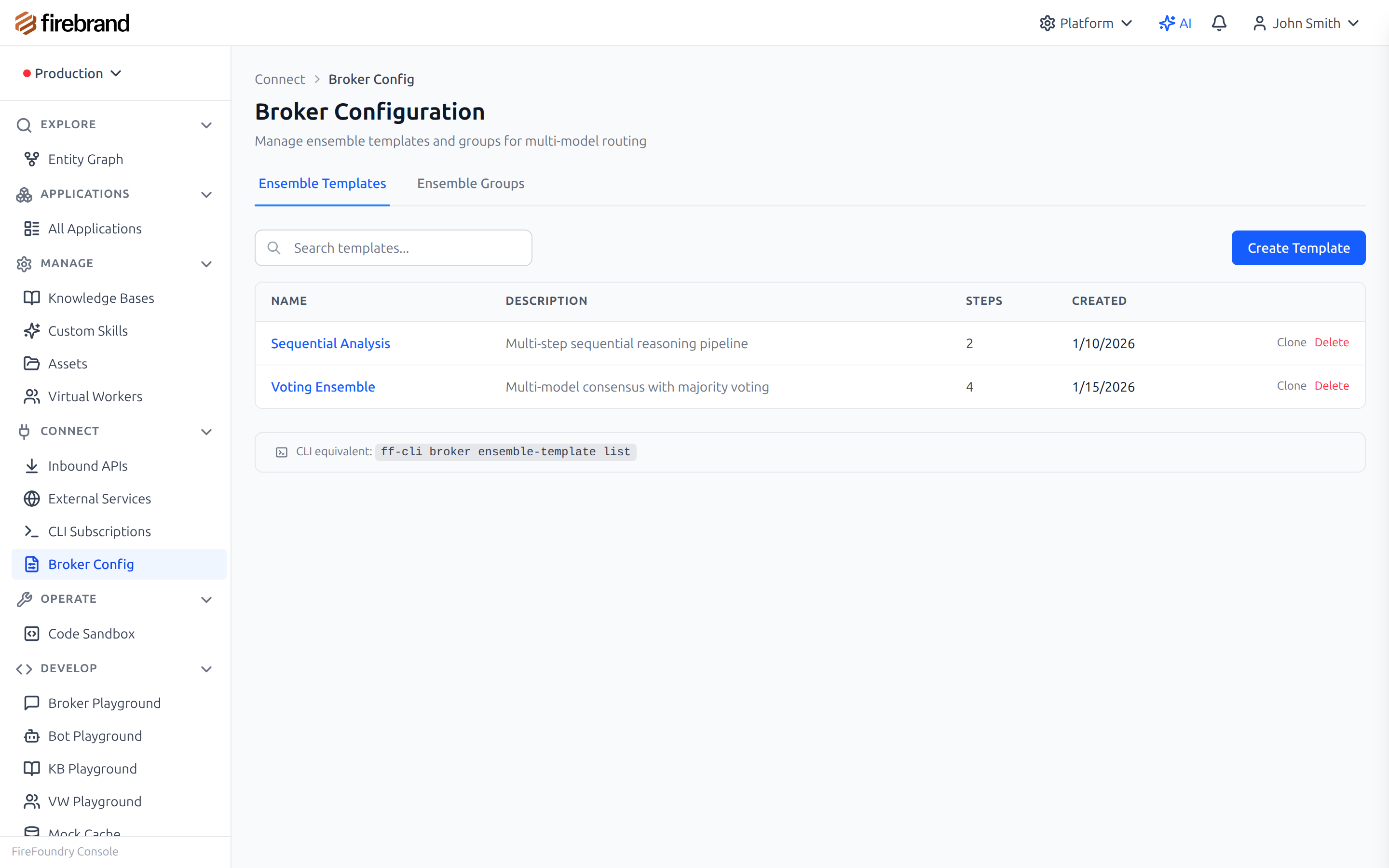
Configure model groups with multiple providers and routing rules
Why It Matters
Every AI provider has outages. Hardcoding a single provider means your application goes down when they do. But production reliability goes far beyond simple failover. You need capacity management to prevent overload, QoS guarantees so critical workflows get priority, cost controls to keep budgets in check, and deep observability to understand what is actually happening at scale.
The Broker Service handles all of this so your agent code stays clean. Your code calls a named Model Group, and the Broker manages provider selection, failover chains, capacity gating, quota enforcement, streaming instrumentation, and performance tracking automatically. Swap providers, adjust QoS tiers, or add capacity constraints without touching a single line of application code.
The Broker manages all of this complexity behind a clean API. Your code calls a named Model Group; the Broker handles provider selection, capacity gating, quota enforcement, and full telemetry capture automatically.
Key Capabilities
- Multi-Provider Routing: OpenAI, Anthropic Claude, Azure OpenAI, Google Gemini, and xAI Grok through one unified interface
- Automatic Failover: Requests route to backup providers when the primary fails, with real-time degradation detection based on rolling performance metrics
- Intelligent Model Selection: Weighted scoring across cost, intelligence, and performance dimensions via pluggable selection strategies
- Streaming: Token-by-token streaming with a composable pipeline for instrumentation including time-to-first-token, throughput measurement, and chunk counting
- Structured Output: JSON schema-constrained responses for reliable data extraction, with automatic model filtering to ensure only capable models are selected
- Embeddings: Single and batch embedding generation across providers with flexible dimensions, encoding formats, and model group selection
- Image Generation: OpenAI GPT Image and Google Gemini image generation with integrated blob storage for output handling
- Ensemble Groups: Multi-model orchestration that runs the same request across multiple models and aggregates results for higher accuracy
- Request Tracking: Breadcrumbs and correlation IDs across the entire request lifecycle, from initial admission through provider execution to response delivery
- Feature Flags: Nine independently toggleable production subsystems for safe, incremental rollout of new capabilities
Broker Routing Architecture
How the Broker processes every request end-to-end
How it works: When a request arrives, the Broker validates it and resolves the target Model Group by ID, name, or default. The Model Group defines which deployments are available and how they should be scored. The selection strategy calculates a weighted score for each deployment based on cost, intelligence, and performance dimensions, then picks the top-scored resource. If that provider fails, the failover policy automatically retries through the failover chain. Throughout the entire flow, the Broker records breadcrumbs, correlation IDs, token counts, latency, and cost estimates for full observability.
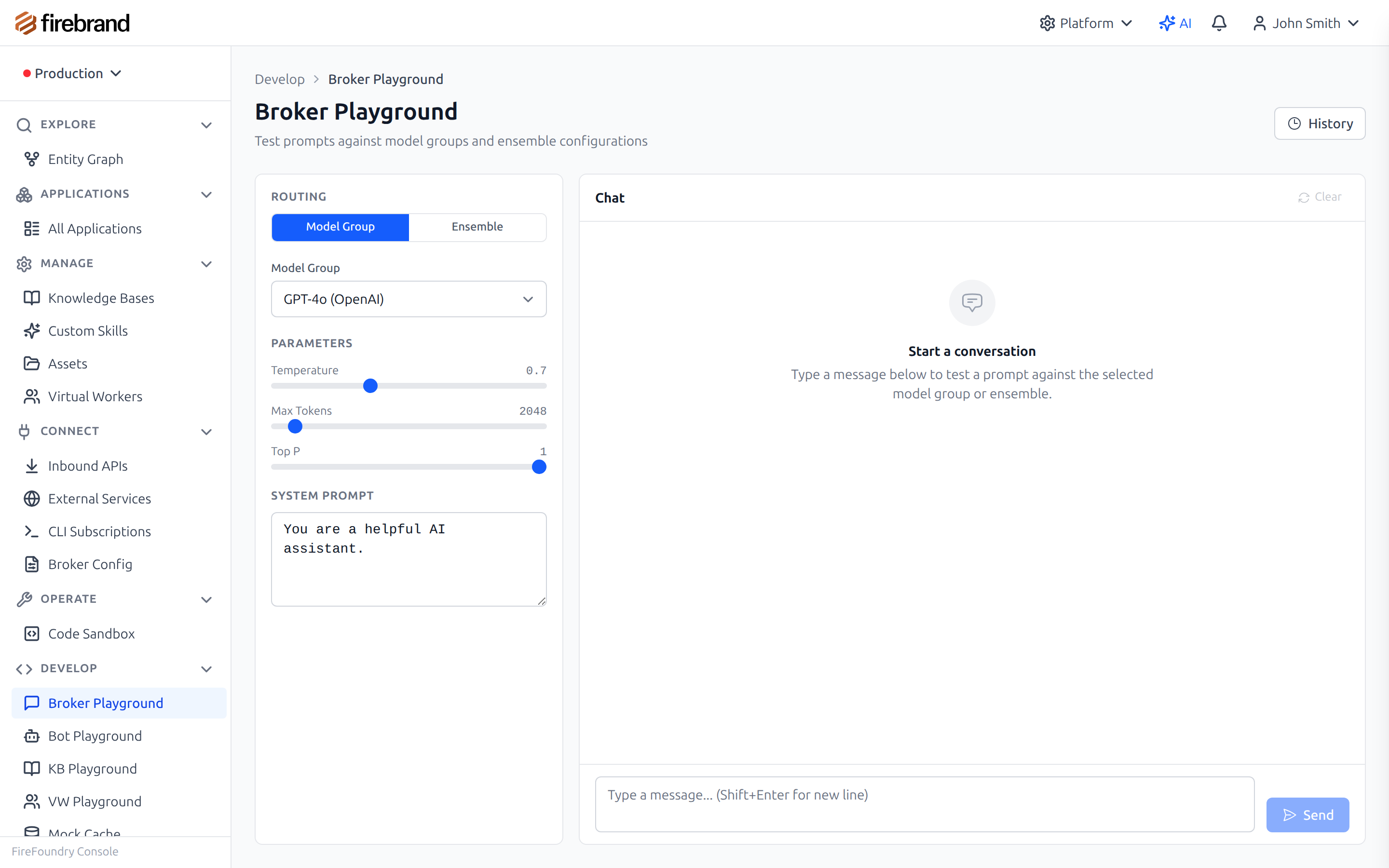
Test model routing in the interactive playground
Production-Grade Infrastructure
The Broker is not just a router — it is production infrastructure. Nine subsystems operate independently below the routing layer, each controlled by its own feature flag. Enable them one at a time, observe the impact, and roll back instantly if anything behaves unexpectedly.
Together, these subsystems give you the same kind of traffic management, admission control, and observability that cloud providers build into their own load balancers — but purpose-built for AI model traffic where token budgets, prompt caching, and provider-specific rate limits matter.
Capacity Gating
Per-deployment concurrency limits with real-time admission control. When limits are exceeded, requests are immediately rejected so upstream callers can back off or route elsewhere. Prevents cascading overload across your deployment fleet.
QoS Tiering
Four tiers — Economy, Standard, Premium, and Critical — each with its own eligible model families, latency targets, and priority boosts. Match workload importance to the right level of service and let the Broker enforce SLAs automatically.
Priority Routing
Under heavy load, a priority queue activates when system utilization crosses a configurable threshold. High-priority requests jump the line while lower-priority work is gracefully deferred or shed, ensuring critical paths stay responsive under heavy traffic.
Quota Enforcement
Hierarchical tokens-per-minute (TPM) and requests-per-minute (RPM) quotas at the organization, deployment, and individual request levels. Pre-flight token estimation catches over-budget requests before they reach the provider.
Sticky Routing
Sessions are pinned to specific deployments for prompt cache optimization. A configurable TTL keeps related requests on the same instance, maximizing cache hit rates and reducing latency for multi-turn conversations and iterative agent loops.
Performance Tracking
Rolling 5-minute window metrics including p50, p95, and p99 latency, time-to-first-token, and error rates. Automatically detects degraded deployments and routes traffic away.
Stream Pipeline
Composable stream instrumentation that measures time-to-first-token, throughput, and chunk counts with zero overhead when disabled. Stack multiple pipeline stages without allocation.
PTU Advisory
Azure Provisioned Throughput Unit analysis with real-time headroom calculation and scale-up/scale-down recommendations. Know exactly when to provision more capacity before you hit limits, and avoid paying for idle PTUs.
Usage Analytics
168-slot weekly usage profiles for pattern detection, anomaly detection, and capacity planning. Understand your traffic shape and right-size resources across every hour of the week.
Basic Chat with Model Groups
Reference a model group by name. The Broker handles provider selection, failover, QoS enforcement, and capacity management behind the scenes. Your agent code never references a specific model or provider — it only knows the group name.
The optional qosTier parameter
lets you specify the quality-of-service level for this request. When omitted, the Broker uses
the group's default tier.
import { Bot, ai } from '@firefoundry/agent-sdk';

@Bot({ name: 'my-assistant' })
class MyAssistant {
  async chat(message: string) {
    // Reference the model group — Broker handles provider selection,
    // failover, QoS, and capacity management automatically
    const response = await ai.chat({
      modelGroup: 'gpt-production',
      messages: [{ role: 'user', content: message }],
      // Optional: request specific QoS tier
      qosTier: 'premium'
    });

    return response.content;
  }
}
Streaming with Structured Output
Combine token-by-token streaming with JSON schema validation. The Broker automatically filters the model group to only include deployments that support structured output, and instruments the stream for time-to-first-token and throughput measurement.
The response conforms to your schema, so downstream code can parse it reliably without additional validation or error handling for malformed JSON.
// Stream structured data with schema validation
const stream = await ai.chat({
  modelGroup: 'analysis-pool',
  messages: [{ role: 'user', content: 'Analyze this quarterly report' }],
  stream: true,
  responseFormat: {
    type: 'json_schema',
    schema: {
      type: 'object',
      properties: {
        summary: { type: 'string' },
        keyMetrics: { type: 'array', items: { type: 'object' } },
        sentiment: { enum: ['positive', 'negative', 'neutral'] }
      }
    }
  }
});

for await (const chunk of stream) {
  process.stdout.write(chunk.delta);
}
How Model Groups Work
A Model Group is the core abstraction that decouples your application from specific AI providers. Each group contains one or more model deployments with associated routing weights, a selection strategy that determines how the best deployment is chosen, and an optional failover group that activates when all primary deployments are unavailable.
The default selection strategy scores each deployment using a weighted formula across intelligence and cost dimensions. You configure the weights per group — set intelligence weight high for complex reasoning tasks, or set cost weight high for high-volume classification. The Broker filters out deployments that lack required capabilities (like structured output support) before scoring, so you always get a model that can handle the request.
Groups are defined in the console or via the admin API. The Broker loads and caches group configurations, and the failover policy manages automatic retries through the failover chain when providers return errors or time out.
Supported Providers
The Broker connects to five major AI providers through a unified interface. Provider connections are cached for performance, monitored for health, and automatically rotated when issues are detected.
Adding a new provider is a configuration change — no modifications to routing or application code needed.
| Provider | Chat | Embeddings | Image |
|---|---|---|---|
| Azure OpenAI | Yes | Yes | Yes |
| OpenAI | Yes | Yes | Yes |
| Anthropic Claude | Yes | — | — |
| Google Gemini | Yes | — | Yes |
| xAI Grok | Yes | — | — |
Use Cases
Multi-Provider Resilience
Route across multiple AI providers so no single outage takes down your agents. The Broker detects degraded deployments in real time using rolling performance windows and fails over to healthy alternatives within the same request cycle. Your agents never see the failure.
Cost Optimization
Use cheaper models for simple classification and extraction tasks while reserving premium models for complex reasoning. Weighted scoring lets you tune the cost-intelligence tradeoff per model group, and quota enforcement keeps total spend within budget.
Enterprise QoS
Guarantee response times for critical workflows while batching lower-priority work. Four QoS tiers with independent latency targets, model families, and priority boosts ensure the right workloads get the right resources. The priority router automatically engages under load.
Capacity Planning
Track usage patterns across 168 weekly time slots, detect anomalies automatically, and right-size provisioned throughput. The PTU advisory tells you exactly when to scale Azure deployments before you hit capacity limits, turning reactive firefighting into proactive planning.